
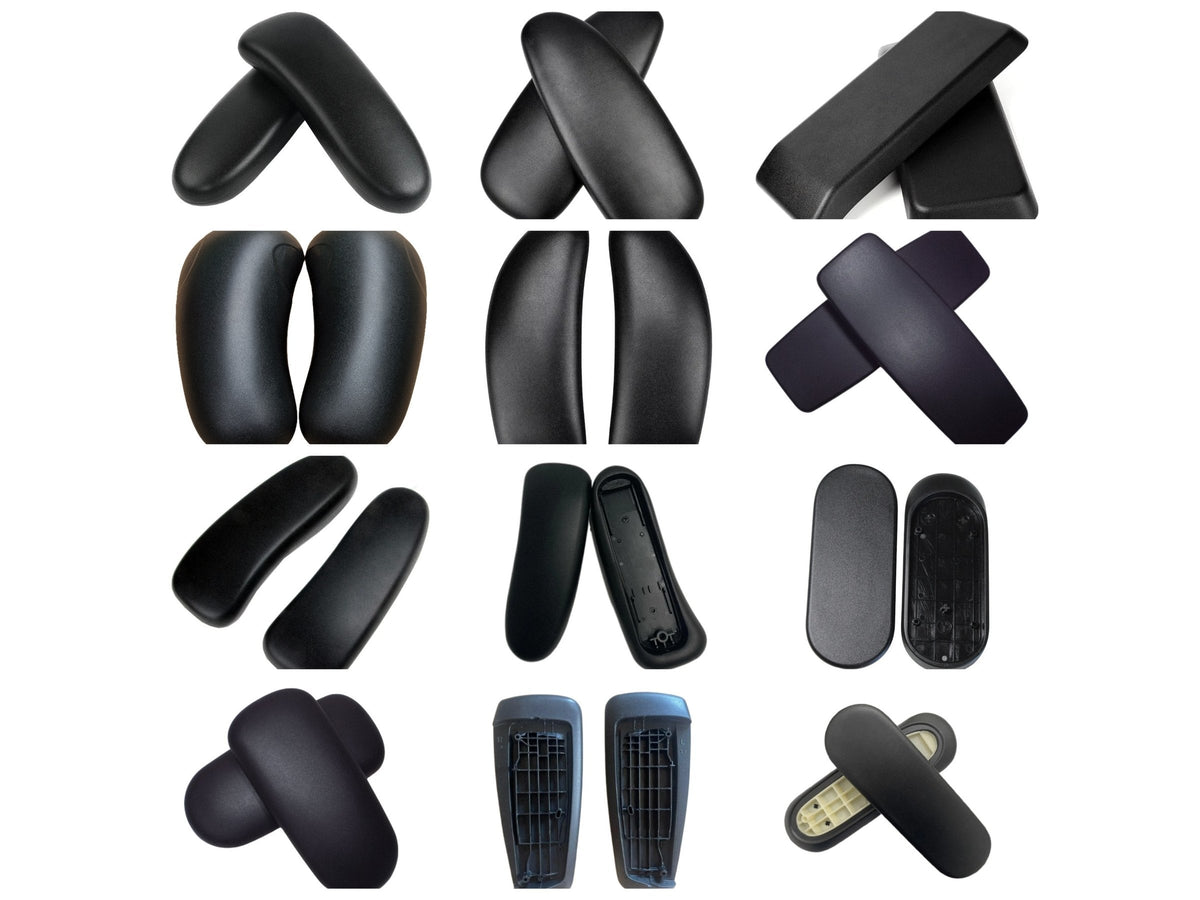
Arm pads are usually the first part of a good office chair to wear out. The surface cracks or peels, the foam flattens until you can feel the frame underneath, and the chair starts to look older than it is. On almost every quality chair the pad is a separate part held on by a few screws, so you can replace just the pad, keep the arm, and have it done in a few minutes per side.
Signs your arm pads need replacing
- The top surface is cracked, split or peeling.
- The padding has flattened and you can feel the hard frame through it.
- The pad is sticky, stained or torn and will not clean up.
- The pad rocks or lifts at one end. This can be a loose screw rather than a worn pad, so tighten it first.
If the whole arm wobbles, rather than just the pad, the problem is in the arm itself. See when it is not the pad below.
First, check exactly which chair you have
Arm pads are made for one chair model, and sometimes for one version of it. The pad for an Aeron Classic will not fit an Aeron Remastered, and Mirra 1 pads do not fit a Mirra 2. The quickest checks:
- Herman Miller: there is a label under the seat with the model and date. For the Aeron, see Aeron Remastered vs Classic.
- Arm type: fixed arms, height-adjustable arms and fully adjustable (4D) arms can take different pads on the same chair. The Sayl is the main example.
- Still not sure? Email us a photo and we will tell you.
What you will need
- The right screwdriver for your chair (see the table below). Most chairs use Torx (star-shaped) screws. The Aeron Classic uses Phillips.
- A towel or blanket, so you can lay the chair on its side without scratching it.
- A small cup or tray to keep the screws in.
Use a hand screwdriver rather than a drill. The screws go into plastic, and a drill strips the thread very easily. Most of our replacement pads reuse the screws already in your chair, so keep the old ones safe.
How to replace an arm pad: the basic steps
- Lay the chair on its side on a towel, or raise the arm to its highest point so you can reach underneath.
- Undo the screws holding the pad to the arm and put them somewhere safe.
- Lift the old pad off. On some chairs the pad hooks over a tab at the back, so lift the front and slide it off.
- Wipe the top of the arm clean.
- Check you have the correct pad for this side, as many are shaped left and right. Hook the back in first if your chair has a tab, then press the pad down so the holes line up.
- Start every screw by hand before tightening any of them. This keeps the pad lined up.
- Tighten each screw until it is snug, then stop. Overtightening splits the plastic or strips the thread.
- Stand the chair up, press down on the pad to check it does not move, and repeat on the other arm.
Pick your chair
Each guide covers the exact screws, tools and steps for that chair.
| Chair | Screws per pad | Screwdriver | Guide |
|---|---|---|---|
| Herman Miller | |||
 Aeron Classic Aeron Classic |
2 screws | Phillips #2 | View guide |
 Aeron Remastered Aeron Remastered |
1 screw | Torx T25 | View guide |
 Embody Embody |
2 screws | Torx T20 | View guide |
 Mirra 1 Mirra 1 |
2 screws | Torx T20 | View guide |
 SaylFixed or height-adjustable arms SaylFixed or height-adjustable arms |
1 screw | Torx T20 | View guide |
 Sayl 4DFully adjustable 4D arms Sayl 4DFully adjustable 4D arms |
4 screws | Torx T20 | View guide |
| Steelcase | |||
 Leap V2 Leap V2 |
4 screws | Torx T20 | View guide |
 Gesture Gesture |
2 screws | Torx T10 | View guide |
| Haworth | |||
 Zody Zody |
1 screw | Torx T20 | View guide |
 Very Very |
1 screw | Torx T20 | View guide |
When it is not the pad
If the pad is fine but the arm moves when it should not, a new pad will not fix it:
- Aeron Classic arms that wobble or feel loose: usually worn arm bolts or missing E-clips. See the Aeron Classic guide for which one you need.
- Aeron Classic arm that will not stay at a height: the roller arm mechanism may need replacing.
- Aeron Remastered arm that slips or will not adjust: the arm mechanism kit replaces the moving parts inside the arm.
Not sure, or stuck?
Email a photo of your chair and the underside of the arm to info@hmchairs.co.uk and we will tell you which pads fit. If you would rather not do it yourself, our chair repair service can fit them for you.
Questions people ask about this
Do I need new screws?
Usually not. Most replacement pads reuse the screws already in your chair. The genuine Herman Miller Embody pads come with new screws. If one of yours is lost or damaged, email us.
Are arm pads universal?
No. Each pad is made for one chair model, and sometimes for one version or arm type of it. Use the guide for your chair, or send us a photo and we will tell you which fits.
How long does it take?
A few minutes per arm on most chairs, once you have the right screwdriver.
Do I have to take the arm off?
No. On every chair in these guides the pad comes off the top of the arm with the arm left in place.
Not sure which part fits your chair? Send us a photo and we will tell you.
Replacement arm pads
Replacement arm pads and arm parts, in stock with free UK delivery.
-
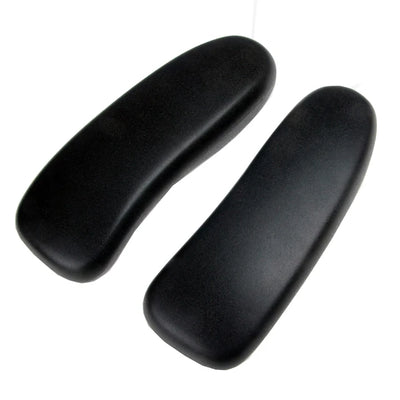 Herman Miller Aeron Armpads – Black Vinyl (Sizes A, B & C)
£16.00
Herman Miller Aeron Armpads – Black Vinyl (Sizes A, B & C)
£16.00
-
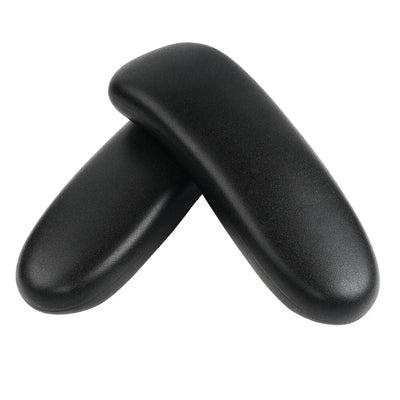 Herman Miller Aeron Remastered Replacement Armpads
£27.99
Herman Miller Aeron Remastered Replacement Armpads
£27.99
-
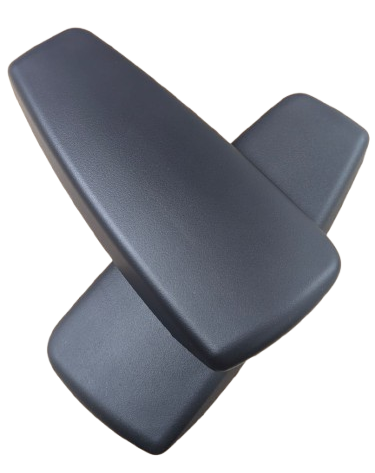 Herman Miller Embody Replacement Arm Pads – Black Vinyl
£24.95
Herman Miller Embody Replacement Arm Pads – Black Vinyl
£24.95
-
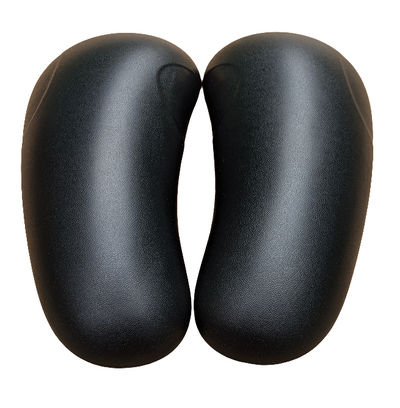 Herman Miller Mirra 1 Armpads - Black Vinyl
£29.95
Herman Miller Mirra 1 Armpads - Black Vinyl
£29.95
-
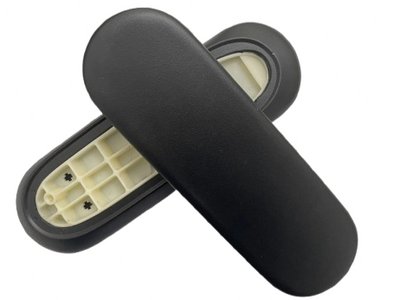 Herman Miller SAYL Armpads - Black Vinyl
£19.99
Herman Miller SAYL Armpads - Black Vinyl
£19.99
-
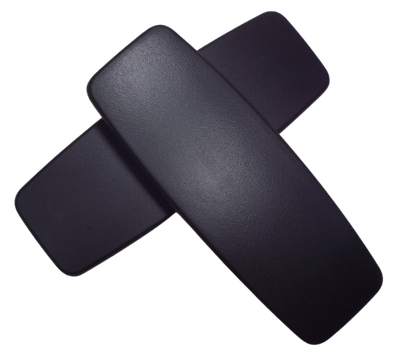 Steelcase Leap V2 Replacement Arm Pads – Black
£17.95
Steelcase Leap V2 Replacement Arm Pads – Black
£17.95


Leave a comment
This site is protected by hCaptcha and the hCaptcha Privacy Policy and Terms of Service apply.