
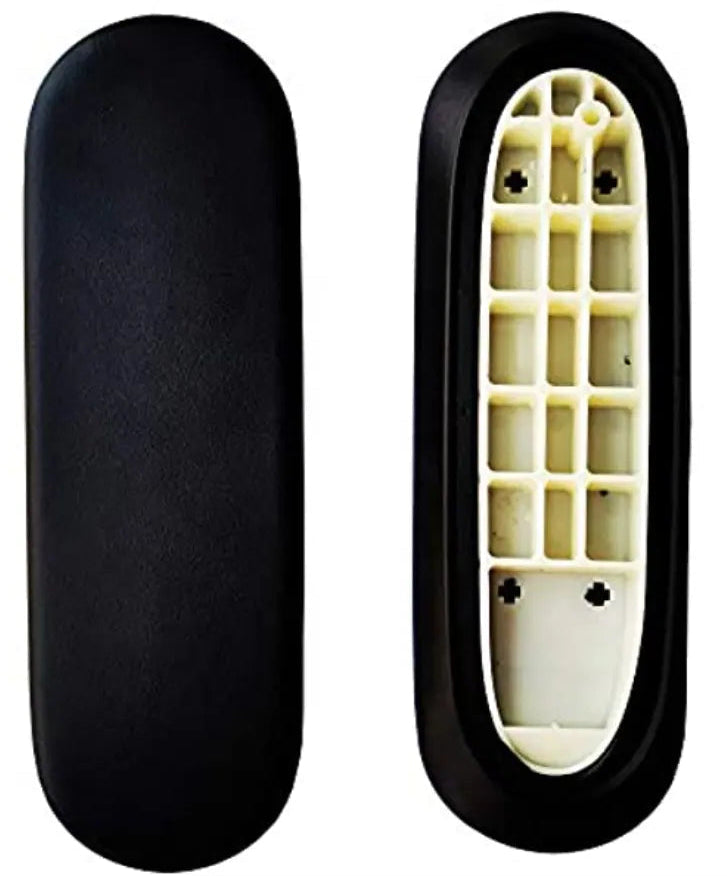
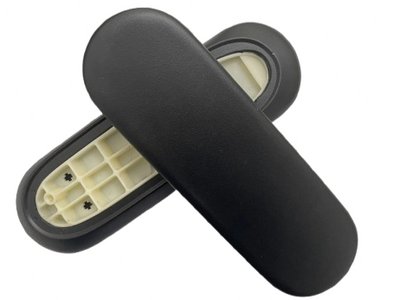
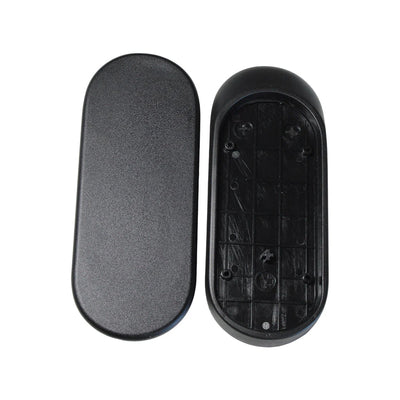
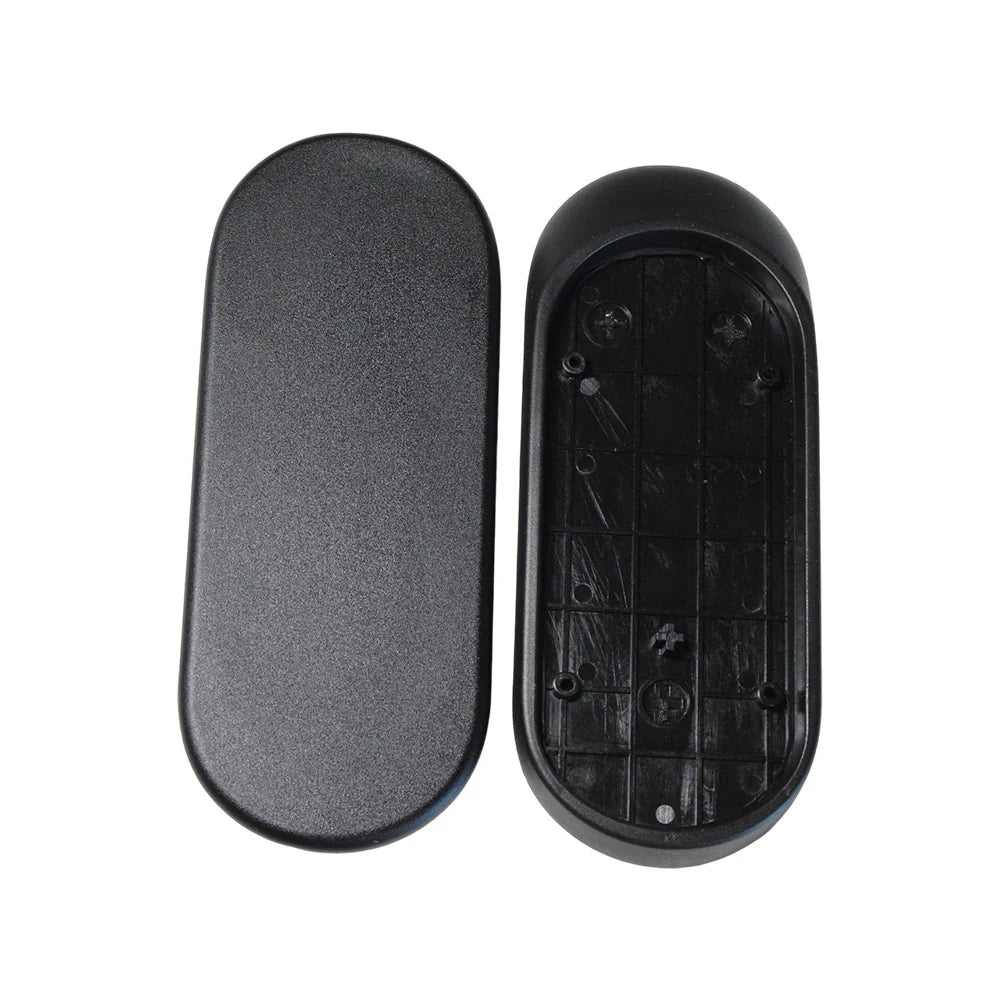
The Sayl comes with two different arm pads, depending on the arms fitted to your chair. This guide covers the smaller pad used on fixed and height-adjustable arms. Each one is held by a single screw and slides off, so it is one of the quickest pad swaps of any chair.
Which Sayl pad do I need?
- Fixed or height-adjustable arms (the arm only goes up and down, or not at all): you need the Sayl arm pads, and this guide.
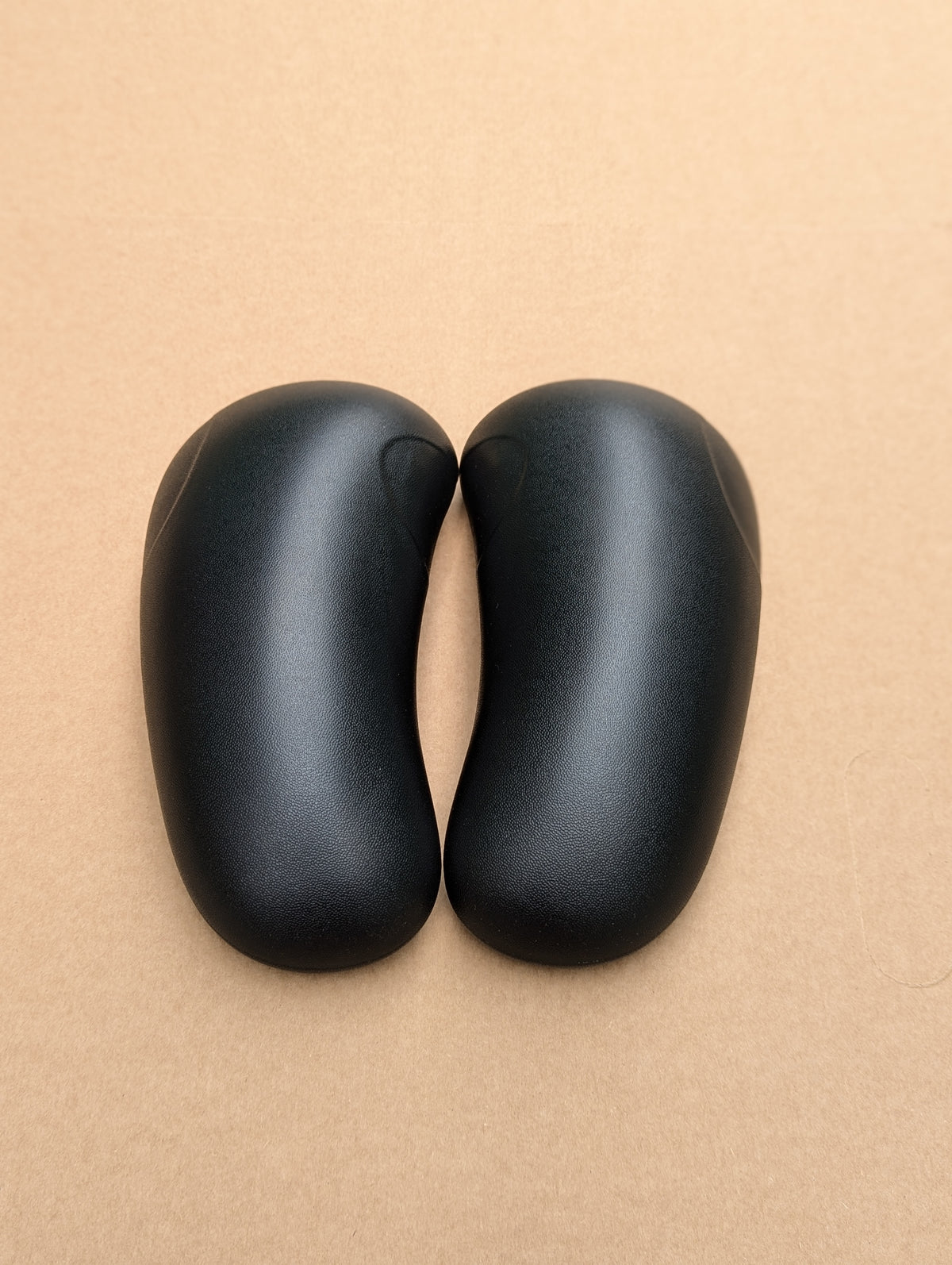
- 4D arms (the pad also slides forwards and back and pivots in and out): you need the larger Sayl 4D arm pads instead. See the Sayl 4D arm pad guide.

What you will need
- A Torx T20 screwdriver or bit.
- The Sayl replacement arm pads. Screws are not included, because you reuse the originals.
Step by step
- Raise the arm to its highest setting, or lay the chair on its side on a towel, so you can reach under the pad.
- Undo the single screw under the pad with the T20 driver.
- Slide the pad forwards and off the arm.
- Slide the new pad on from the front, pushing it back until the screw hole lines up.
- Refit the screw and tighten until snug. Do not overtighten.
- Repeat on the other side.
Good to know
- If the pad will not slide, check the screw is fully out. It is short and easy to miss if it stays in the hole.
- If the arm will not stay at a height, the problem is in the arm, not the pad. Email us.
Not sure, or stuck?
Email a photo of your chair and the underside of the arm to info@hmchairs.co.uk and we will tell you which pads fit. If you would rather not do it yourself, our chair repair service can fit them for you.
Got a different chair? See how to replace office chair arm pads for the other models we stock pads for.
Arm pads for this chair
Replacement arm pads and arm parts, in stock with free UK delivery.

Leave a comment
This site is protected by hCaptcha and the hCaptcha Privacy Policy and Terms of Service apply.