
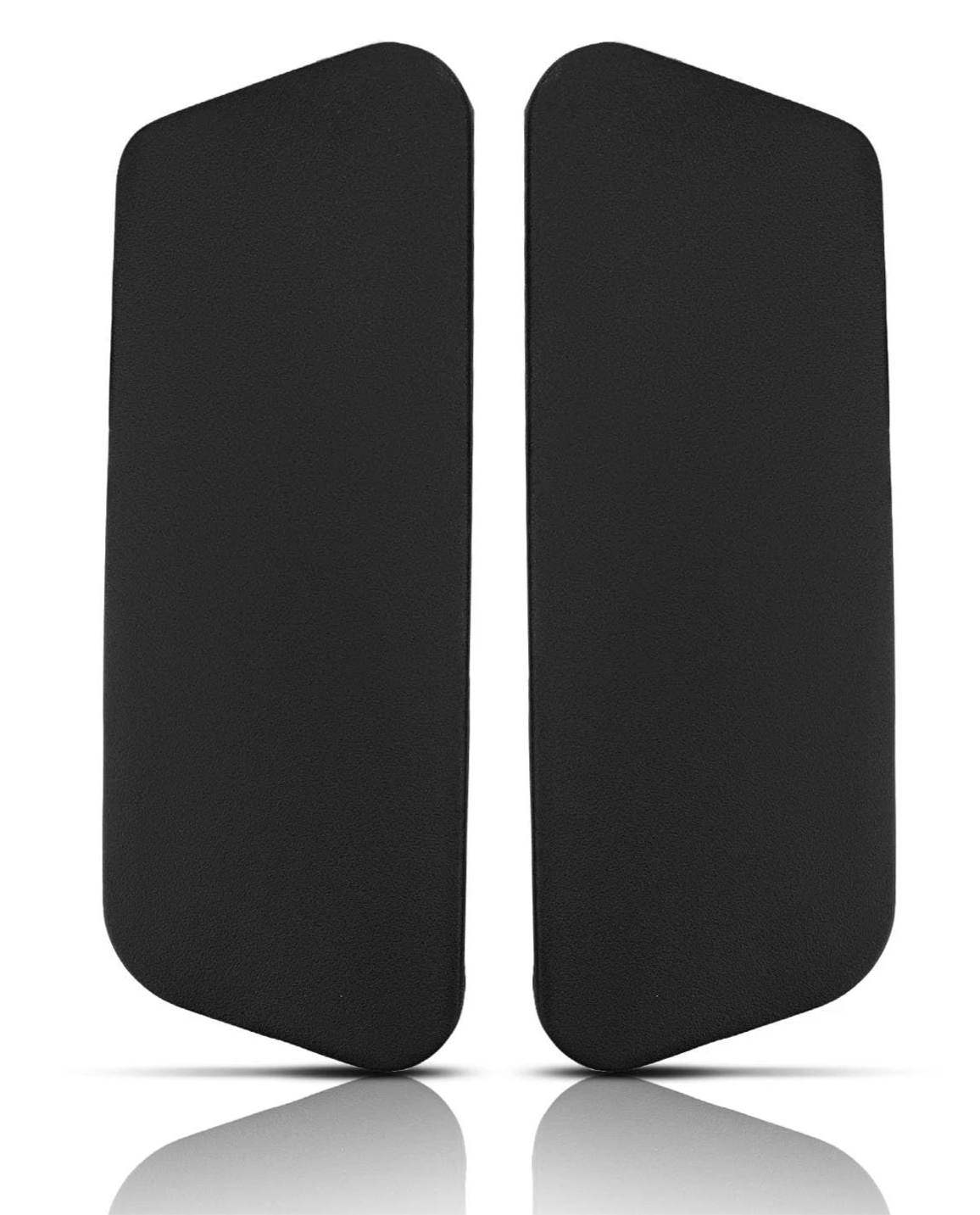
The Gesture's 360 arms move in every direction, and the pads on top take a lot of wear. Replacing them is quick, but it uses a smaller screwdriver than most chairs, and the pad hooks on at the back, so it does not just lift straight off.
Will these pads fit my chair?
The Steelcase Gesture replacement arm pads fit the Gesture with the standard 360 (fully adjustable) arms.
What you will need
- A Torx T10 screwdriver or bit. This is smaller than the T20 or T25 used on most chairs, so check yours before you start.
- The replacement pads. Screws are not included, because you reuse the originals.
Step by step
- Turn the arm so you can reach under the pad, or lay the chair on its side on a towel.
- Undo the two screws under the pad with the T10 driver. Upholstered pads have four screws instead of two.
- Rotate the pad up and off the arm, then push it towards the back to unhook it.
- Fit the new pad the opposite way round. Hook the back on first, then rotate the pad down onto the arm.
- Refit the screws and tighten until snug. T10 screws are small and strip easily, so go gently.
- Repeat on the other arm and move each arm through its full range to check nothing catches.

Not sure, or stuck?
Email a photo of your chair and the underside of the arm to info@hmchairs.co.uk and we will tell you which pads fit. If you would rather not do it yourself, our chair repair service can fit them for you.
Got a different chair? See how to replace office chair arm pads for the other models we stock pads for.
Arm pads for this chair
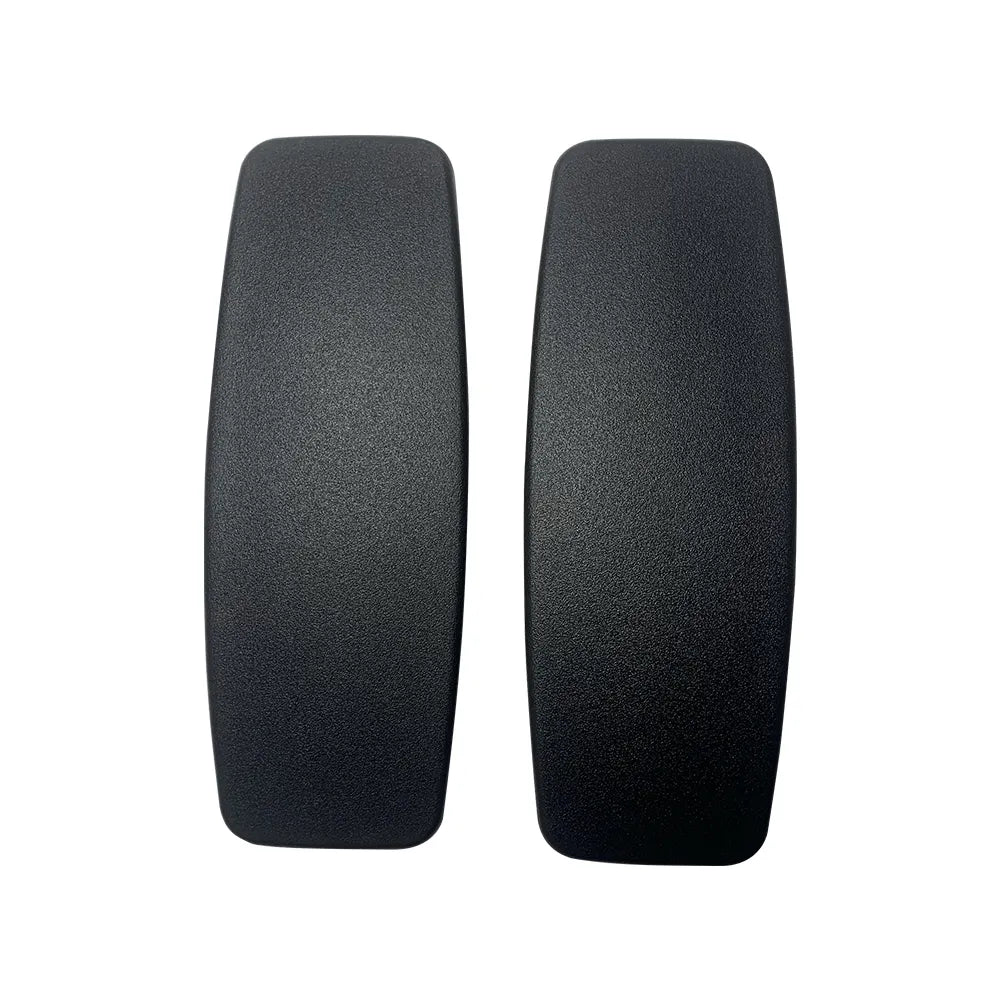
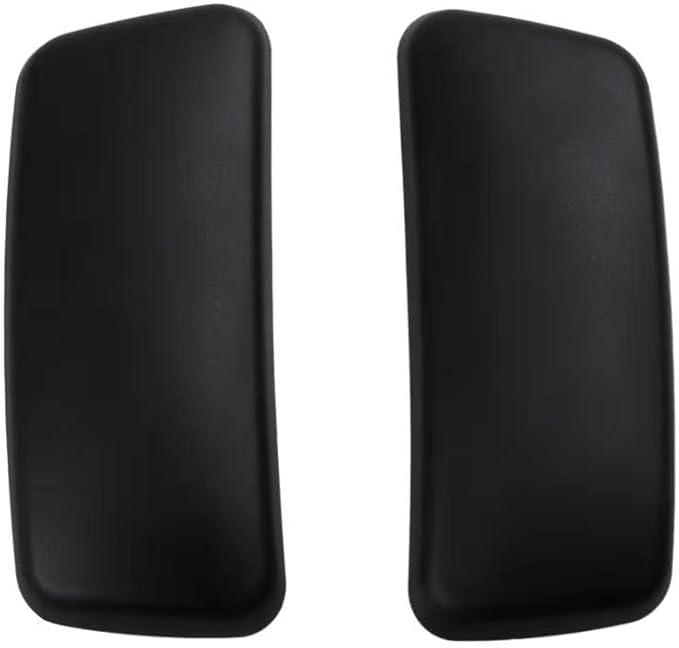
Replacement arm pads and arm parts, in stock with free UK delivery.

Leave a comment
This site is protected by hCaptcha and the hCaptcha Privacy Policy and Terms of Service apply.