
Introduction
Assembly of the Herman Miller Aeron Classic chair is pretty easy and will ensure that full ergonomic benefits are derived from this iconic office chair. For stability and comfort, proper assembly is very important, and this guide will walk you through each step to ensure your chair is ready for use.
Unboxing the Herman Miller Aeron Classic Chair
Your Herman Miller Aeron Classic chair will arrive at your doorstep partially disassembled-the backrest detached. You will find the main body of the chair, the backrest, an Allen key, and screws in a plastic wallet inside the box. Carefully unpack all components and place them on a clean, flat surface.


How your chair arrives: the main body and the backrest, each wrapped and packed in the box.
- Positioning the Backrest: Place the chair body on any stable surface and position the backrest such that the screw holes are aligned with the ones on the chair frame.
- Inserting the Screws: Take the screws from the plastic wallet and insert them into the holes. There should be four in total, two on each side.
2) Using the Provided Allen Key
- Proper Use of the Allen Key: Place the Allen key into the head of each screw.
- Screws: Tightening With the Allen key properly placed in each screw head, rotate it clockwise until such time as each screw is tightened. Make sure the screws are snug but do not overtighten, which may strip the heads of the screws.
- Stability: When all four screws are tightened, gently shake the backrest to make sure it is attached to the body of the chair.
- All Screws Are Well Screwed: Make sure that all screws are tightened.
- Checking Stability: Sit in the chair and feel if the backrest feels right.
- Adjusting Settings: Adjust settings of height, tilt, and lumbar support as preferred.
Common Issues and Troubleshooting
How to Take Care of Your Herman Miller Aeron Chair
Conclusion
The Herman Miller Aeron Classic chair assembly is easy to manage yourself, so you can best receive the benefits of this ergonomically perfect chair. Proper assembly and regular care will keep your chair fresh, offering comfort and support for many years. Feel free to use your newly assembled Herman Miller Aeron Classic chair!
Questions people ask about this
What tools are needed to assemble the Herman Miller Aeron Classic chair?
The necessary Allen key and screws are provided in the package. Additional tools like a Phillips head screwdriver can be helpful but are not required.
How long does it take to assemble the Aeron Classic chair?
Assembly typically takes about 5-10 minutes.
Can the chair be assembled by one person?
Yes, the chair can be assembled by one person, but having an extra set of hands can make the process easier.
How often should I check the screws and connections?
It is recommended to check the screws and connections every few months to ensure stability.
What should I do if the screw holes do not align?
Make sure the backrest is correctly positioned and try again. If the alignment problem persists, get in touch and we will help.
Who can I contact if I have issues with assembly?
Contact us and we will talk you through it.
Not sure which part fits your chair? Send us a photo and we will tell you.
Aeron Classic fixings and small parts
Genuine and OEM-quality spares, in stock with free UK delivery.
-
 Replacement Buttons for Herman Miller Classic Aeron Chair MK2
£6.95
Replacement Buttons for Herman Miller Classic Aeron Chair MK2
£6.95
-
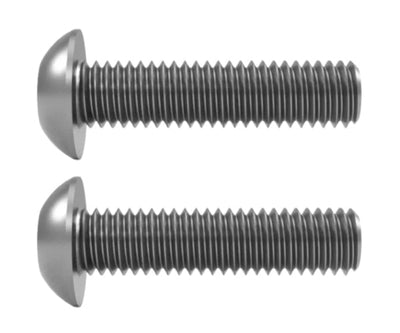 Replacement Arm Bolts for Herman Miller Aeron Chair (Fixed Arms)
£19.95
Replacement Arm Bolts for Herman Miller Aeron Chair (Fixed Arms)
£19.95
-
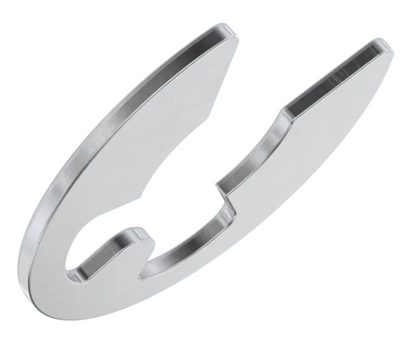 Herman Miller Aeron E-Clips for Wobbly / Loose Arms
£9.95
Herman Miller Aeron E-Clips for Wobbly / Loose Arms
£9.95
-
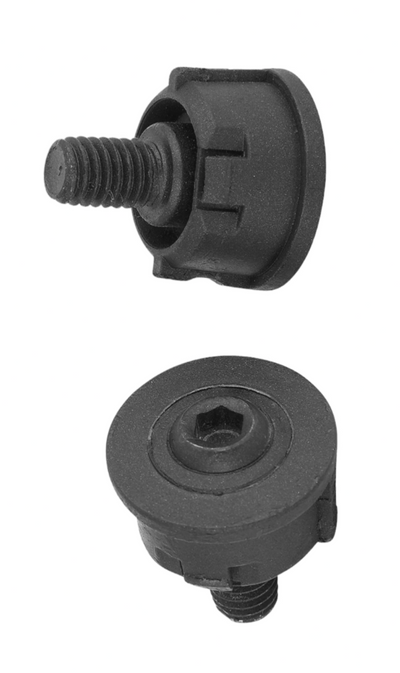 Herman Miller Aeron Chair Hip Bolt – OEM Genuine Replacement Parts
£24.95
Herman Miller Aeron Chair Hip Bolt – OEM Genuine Replacement Parts
£24.95
-
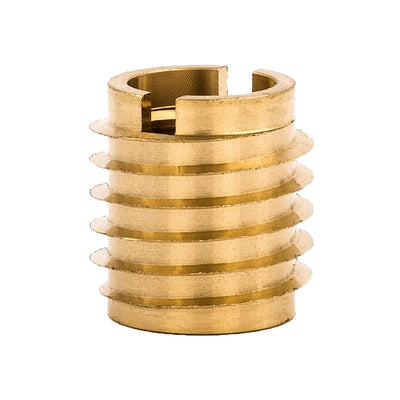 Herman Miller Aeron Chair Seat Pan Thread Inserts – Brass Replacement (Pack of 2)
£19.95
Herman Miller Aeron Chair Seat Pan Thread Inserts – Brass Replacement (Pack of 2)
£19.95
-
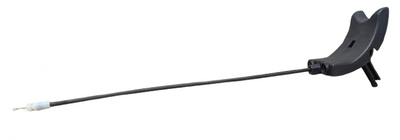 Herman Miller Aeron Classic Height Adjustment Pneumatic Cable Assembly - Genuine OEM Part
£39.99
Herman Miller Aeron Classic Height Adjustment Pneumatic Cable Assembly - Genuine OEM Part
£39.99