Steelcase launched the Leap in 1999 and replaced it with the Leap V2 in 2006. From across a room the two look alike, but several parts are different, so it is worth knowing which one you have before you order arm pads, a gas lift or a headrest. You can tell them apart in under a minute.
The quick comparison
| What to check | Leap V1 | Leap V2 |
|---|---|---|
| Years made | From 1999 | From 2006 |
| Arms | Move up and down, in and out, and pivot | Also slide forward and back |
| Arm pads | Thicker and rounder | Slimmer, flatter pads |
| Backrest | Shorter, flares out at the top | Taller and straighter |
| Padding | Thicker seat and back cushions | Slimmer cushions |
| Base | Heavy, with steel inside a plastic cover | Lighter plastic base (aluminium on some chairs) |
1. Check the arms
This is the quickest and most reliable test. Hold an arm pad and try to slide it straight forward and back. On a Leap V2 the pad slides forward and back as well as pivoting, moving in and out, and going up and down. On a Leap V1 it pivots and moves in and out, but does not slide forward and back.
The pads look different too. V1 pads are thicker and rounder, while V2 pads are slimmer and flatter.

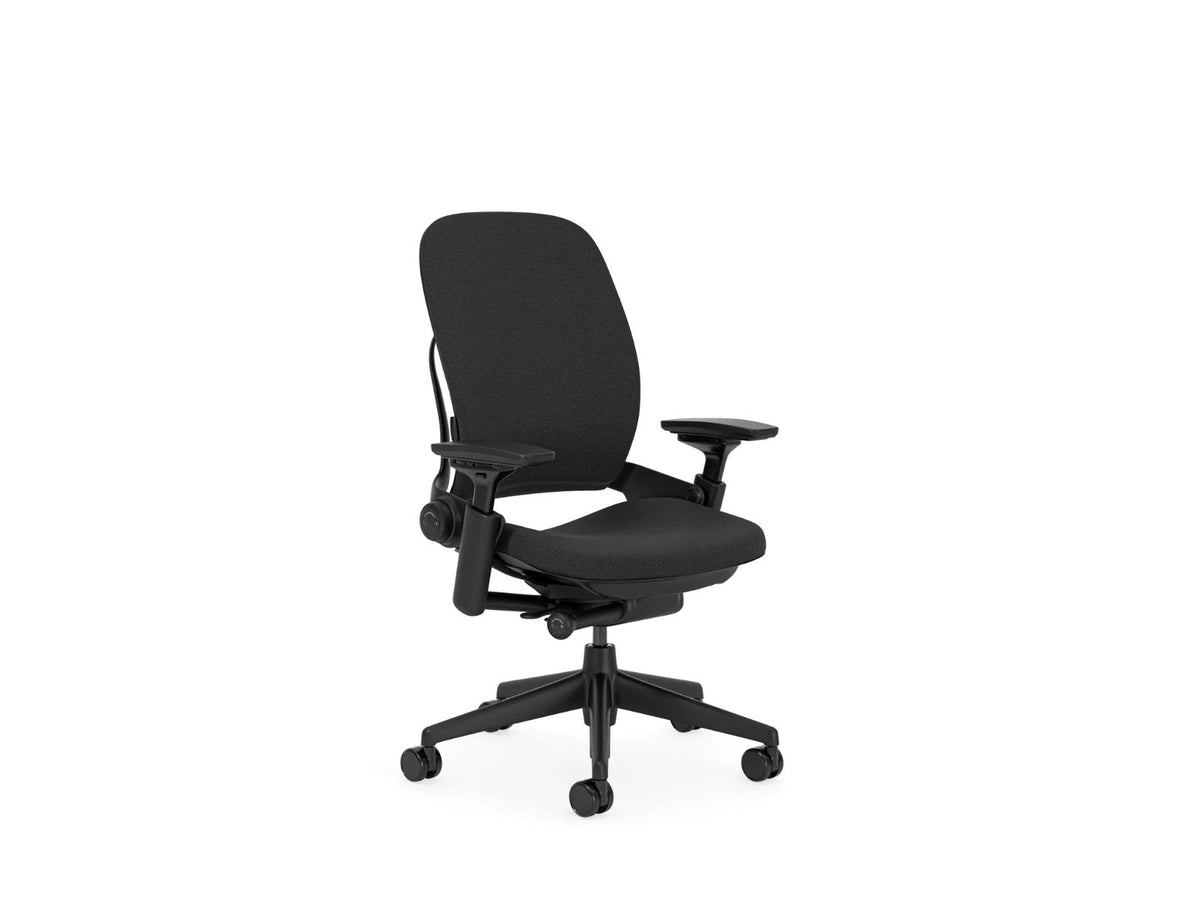
The Leap V2: its arm pads slide forward and back.
2. Look at the backrest
The Leap V2 has a taller, straighter backrest. The V1 back is shorter and flares outwards at the top, and its padding is noticeably thicker. If you can see both chairs side by side, the V2 looks slimmer all round. Steelcase also made a high-back version of the V1, which is taller, so if your back looks tall, use the arms test to be sure.

Leap V1 (high-back version, optional polished aluminium base)
Photo: Steelcase Inc, CC BY 3.0, via Wikimedia Commons

Leap V2
3. Look at the base
The V1 base has steel inside a plastic cover, so it is heavier and looks flatter and more rounded. The V2 base is a lighter, slimmer plastic design, and some V2 chairs were sold with an aluminium base instead.
4. Check the label under the seat
Most Steelcase chairs have a label under the seat with the model number and the date it was made. If yours shows a date before 2006, it is a V1. If the label is missing or worn, go by the arms: forward and back sliding means a V2.
Which parts fit your Leap
The Leap parts we sell are made for the Leap V2. The V1 has different arms, so V2 arm pads will not fit it. If you have a V1, email us a photo before ordering and we will tell you what we can help with.
Leap V2 arm pads replace worn or cracked pads. They fit with the screws already in your chair, and our Leap V2 arm pad guide shows you how.

Leap V2 gas lift fixes a seat that sinks or will not stay up. It is the side-activated type the Leap V2 uses. If the old cylinder is stuck, the removal tool makes it much easier to get out.

Atlas headrest for the Leap V2 adds head and neck support. It is made by Atlas specifically for the Leap V2 and comes brand new in its original packaging.

Not sure which Leap you have? Email us a photo of the arms and the back, and we will tell you.
Parts for the Steelcase Leap V2
Leap V2 parts in stock, with free UK delivery.
-
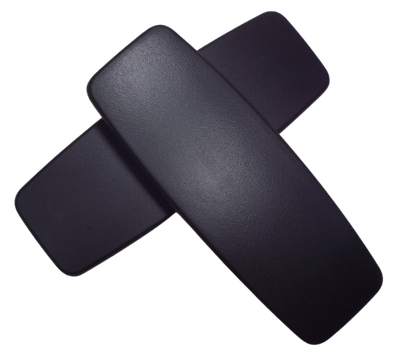 Steelcase Leap V2 Replacement Arm Pads – Black
£17.95
Steelcase Leap V2 Replacement Arm Pads – Black
£17.95
-
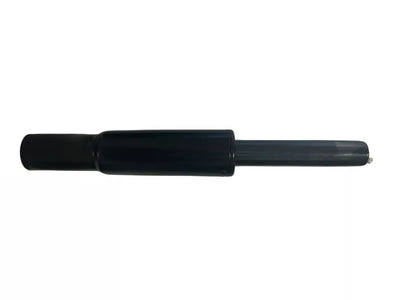 Side-Activated Gas Lift Cylinder for Steelcase Leap Chair V2
£29.95
Side-Activated Gas Lift Cylinder for Steelcase Leap Chair V2
£29.95
-
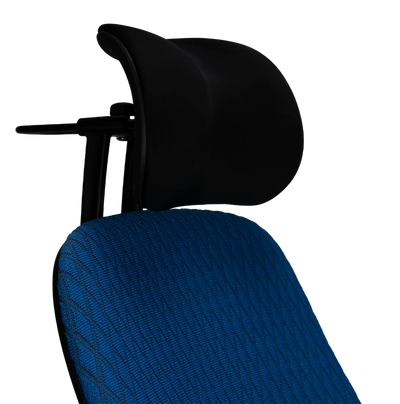 Atlas Headrest for Steelcase Leap V2 Chair - Black
£180.00
Atlas Headrest for Steelcase Leap V2 Chair - Black
£180.00
-
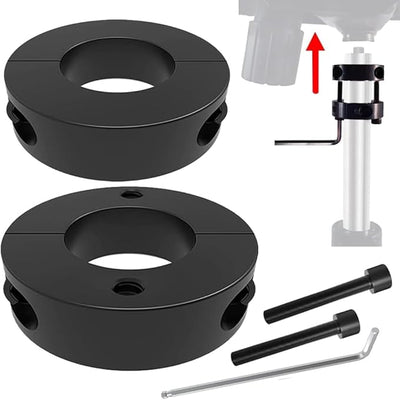 Chair Cylinder Removal Tool – Gas Lift Removal Kit for Office Chairs - Universal Size
£16.99
Chair Cylinder Removal Tool – Gas Lift Removal Kit for Office Chairs - Universal Size
£16.99
-
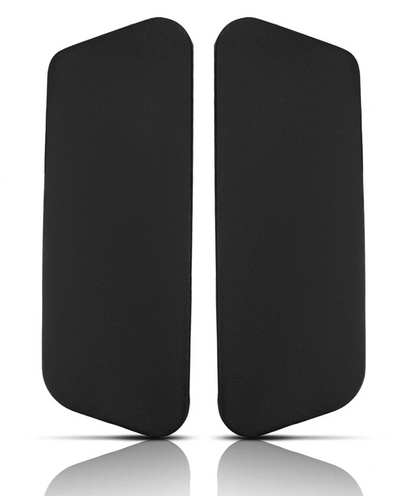 Steelcase Gesture Replacement Arm Pads – Black
£19.95
Steelcase Gesture Replacement Arm Pads – Black
£19.95
-
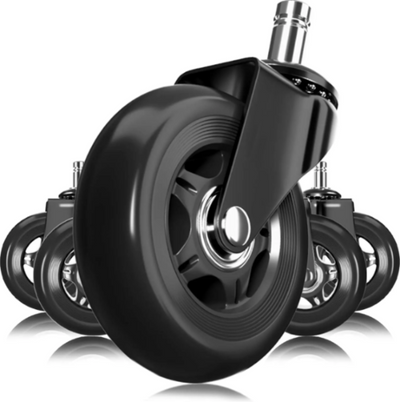 Herman Miller Black Rollerblade Wheels (3 Inch)
£24.95
Herman Miller Black Rollerblade Wheels (3 Inch)
£24.95