Replacing the seat mesh on a Herman Miller Aeron chair can be a daunting task, but with the right tools and a little patience, you can do it yourself. Follow this guide to replace your Aeron seat mesh without damaging your chair.
Tools and Materials You'll Need
- Replacement Aeron seat mesh
- Phillips screwdriver or power drill
- Vice grips or clamps
- Helper (optional but recommended)
Step-by-Step Instructions
1. Remove the Old Seat Mesh
First, you need to remove the old seat mesh. Begin by removing the seat bolts and seat link bolts from both sides of the chair. Flip the seat over and remove the screws from the underside of the seat pan. This will separate the frame from the mesh. Push down on the mesh to remove it from the frame.

The seat bolt (top) and the seat link bolt (bottom). Undo both, on each side, to lift the seat off.
2. Prepare the New Mesh
Align your new seat mesh along the tracks, starting from the top. While holding the seat mesh in place, flip the seat pan over and install the top screws. Keep pushing the mesh hard while screwing it in.

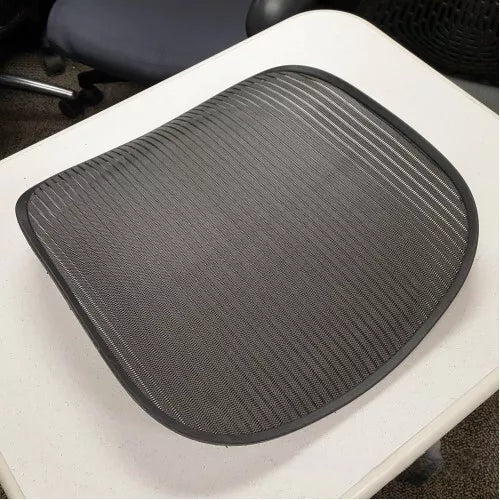
A new Aeron seat mesh, ready to line up in the tracks.
3. Install the Top Screws
Install the screws in the top corners next. Apply pressure to keep the mesh in the track, and after each screw is installed, flip the pan over to ensure that the area where you installed the screw is flush in the tracks.
4. Secure the Middle and Bottom Screws
Push the rest of the seat mesh into the tracks, starting from the middle down to the bottom corners. Install the screws in the bottom corners next, and then move on to the middle section. Finally, install the last screws in the front on the bottom part.

The underside of the seat pan: the screws run all the way round the rim that holds the mesh.
5. Reattach the Seat Foam
Align the seat foam properly and push it as far in the front as possible while ensuring it's centered. Once everything is in place, reattach the seat bolts and seat link bolts. Tighten everything with a power drill or screwdriver.

The seat pan with the mesh lifted out: the seat foam sits along the front edge of the frame.
Tips and Troubleshooting
- Two-Person Job: Having a second person to help hold the mesh in place while you screw it in can make the process significantly easier.
- Avoid Stripping Screws: Be careful not to overtighten the screws to avoid stripping the threads in the mesh's plastic rim.
- Using Clamps: Use clamps or vice grips to hold the mesh in place while you screw it in. This can make the process easier and ensure the mesh stays tight and properly aligned.


Clamps holding the new mesh in its tracks while the screws go in.
Conclusion
Replacing the seat mesh on your Herman Miller Aeron chair is a manageable DIY task with the right preparation and tools. By following these steps, you can restore the functionality and appearance of your chair without needing to replace the entire seat.
Questions people ask about this
Do I need to know my chair size first?
Yes. Aeron seat mesh is made for size A, B or C and they are not interchangeable. There is a label under the seat that tells you which you have.
Can I replace just the mesh, or do I need the whole seat pan?
Either. Replacing the mesh alone costs less but is the more fiddly job. A complete seat pan with the mesh already fitted is quicker if you would rather not wrestle with it.
Will it look like the original?
Genuine and OEM-quality mesh in graphite matches the standard finish. If your chair is an unusual colour, ask us before ordering.
Not sure which part fits your chair? Send us a photo and we will tell you.
Replacement seat mesh and seat pans
Genuine and OEM-quality spares, in stock with free UK delivery.
-
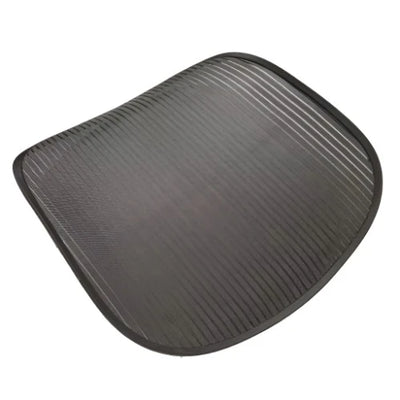 Herman Miller Aeron Replacement Seat Mesh Size B - Graphite Color
£94.99
Herman Miller Aeron Replacement Seat Mesh Size B - Graphite Color
£94.99
-
Herman Miller Aeron Replacement Seat Mesh Size C - Graphite Color
£120.00
-
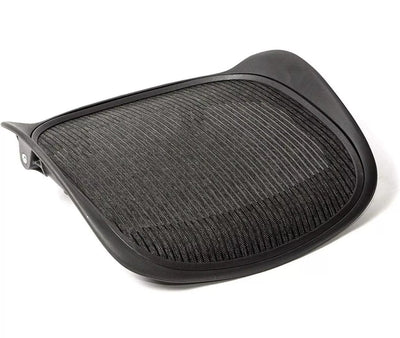 Herman Miller Aeron Classic Seat Pan with Graphite Mesh - Size C
£179.99
Herman Miller Aeron Classic Seat Pan with Graphite Mesh - Size C
£179.99
-
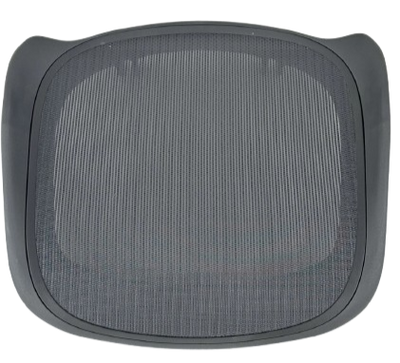 Herman Miller Aeron Remastered Seat Pan with Graphite Mesh - Size B
£179.99
Herman Miller Aeron Remastered Seat Pan with Graphite Mesh - Size B
£179.99
-
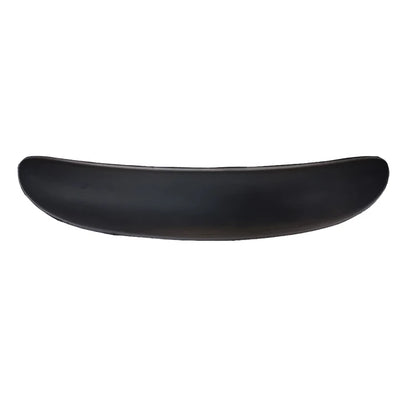 Foam Insert Replacement for Herman Miller Classic Aeron Chair Sizes A, B, C
£12.50
Foam Insert Replacement for Herman Miller Classic Aeron Chair Sizes A, B, C
£12.50
-
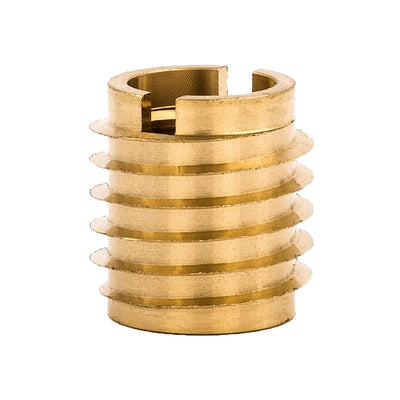 Herman Miller Aeron Chair Seat Pan Thread Inserts – Brass Replacement (Pack of 2)
£19.95
Herman Miller Aeron Chair Seat Pan Thread Inserts – Brass Replacement (Pack of 2)
£19.95